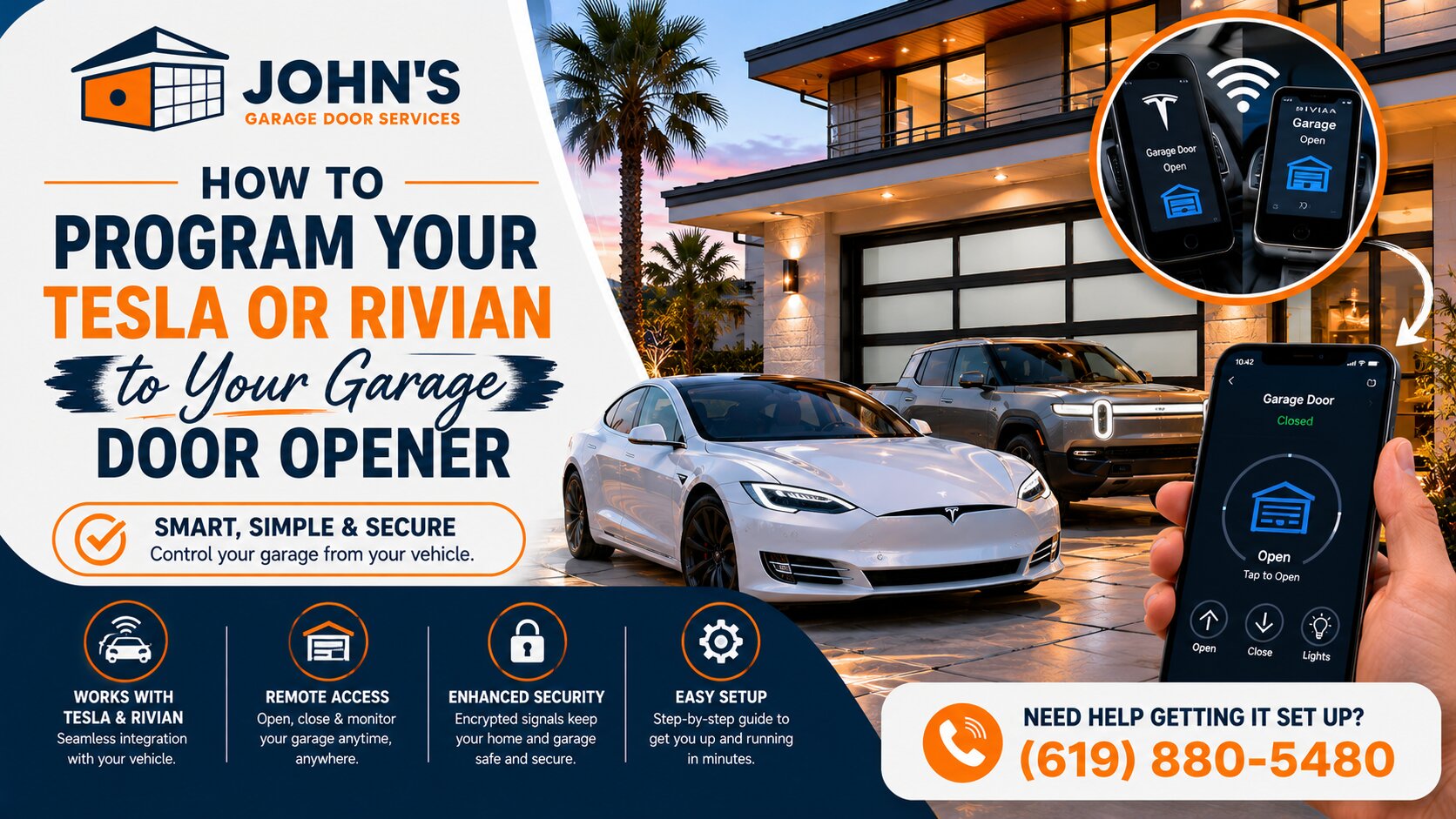
How to Program Your Tesla or Rivian to Your Garage Door Opener

Over the past few months, I’ve helped dozens of San Diego electric vehicle owners connect their Tesla and Rivian vehicles to their garage doors. It’s one of the most requested services we handle at John’s Garage Door, and I’ve learned exactly where EV drivers get stuck in the programming process.

The good news? Once you understand the basic steps, programming your vehicle’s HomeLink or Rivian Digital Latch system takes just a few minutes. Let me walk you through the exact process I use when customers call us for help.

Understanding Your Garage Door Opener Compatibility

Not all garage door openers work seamlessly with vehicle integration systems. Your opener needs to operate on a compatible frequency, typically 310 to 390 MHz for most residential systems in Southern California.

I’ve found that LiftMaster, Chamberlain, and Genie openers manufactured after 2011 usually program without issues. Older models or those with fixed-code remotes may require a HomeLink compatibility bridge, which costs around $80 to $100.

Here’s what I tell every customer: check if your opener has a “Learn” or “Smart” button. If it does, you’re almost certainly compatible with both Tesla and Rivian systems. Regular Garage Door Maintenance Service can also help ensure your opener continues to work smoothly with these advanced vehicle systems.

Programming Your Tesla’s HomeLink System

Tesla vehicles use HomeLink technology built into the car’s touchscreen. The process is straightforward, but timing matters.

Start by parking your Tesla within 10 feet of your garage door. On the touchscreen, tap the car icon at the bottom, then select “HomeLink.” Choose “Create HomeLink” or “Add New HomeLink” depending on your Tesla model.

The system will prompt you to press your existing garage remote. Hold the remote about two inches from the Tesla logo on the front of your vehicle and press the button continuously for about three seconds. The car will confirm it’s captured the signal.

Now comes the critical step I see San Diego customers miss most often. You need to complete the training sequence at your garage door opener itself.
Press the “Learn” button on your opener unit (usually mounted on the ceiling), then return to your Tesla and press the HomeLink button on the screen within 30 seconds. Your door should activate, confirming successful programming.

How Do I Program My Rivian to My Garage Door?

Rivian uses its own Digital Latch system, which works similarly to HomeLink but with some unique features. The programming process takes about five minutes from start to finish.

Access your Rivian’s settings through the center display and navigate to “Vehicle” then “Digital Latch.” Select “Add Garage Door” and follow the on-screen prompts. Like Tesla, you’ll need your existing garage remote handy.

Hold your remote near the Rivian logo on the front bumper and press the button when prompted. The system captures the signal and stores it. You’ll then need to activate the Learn mode on your garage door opener and confirm the connection through your Rivian’s display.
One advantage I’ve noticed with Rivian systems is the geofencing feature, which can automatically open your garage as you approach your Mira Mesa or Kearny Mesa home. This requires enabling location permissions in your vehicle settings. If you’re considering upgrading your entire garage door system for better smart home integration, check out our guide on How To Choose The Right Garage Door For Your Home.

Troubleshooting Common Programming Issues

When programming fails, it’s usually one of three problems. First, you might be too far from the opener during the learning process. I recommend staying within five feet during the initial setup.

Second, rolling code interference can block the signal. If you’ve programmed multiple remotes recently, your opener’s memory might be full. You may need to clear old codes before adding your vehicle.

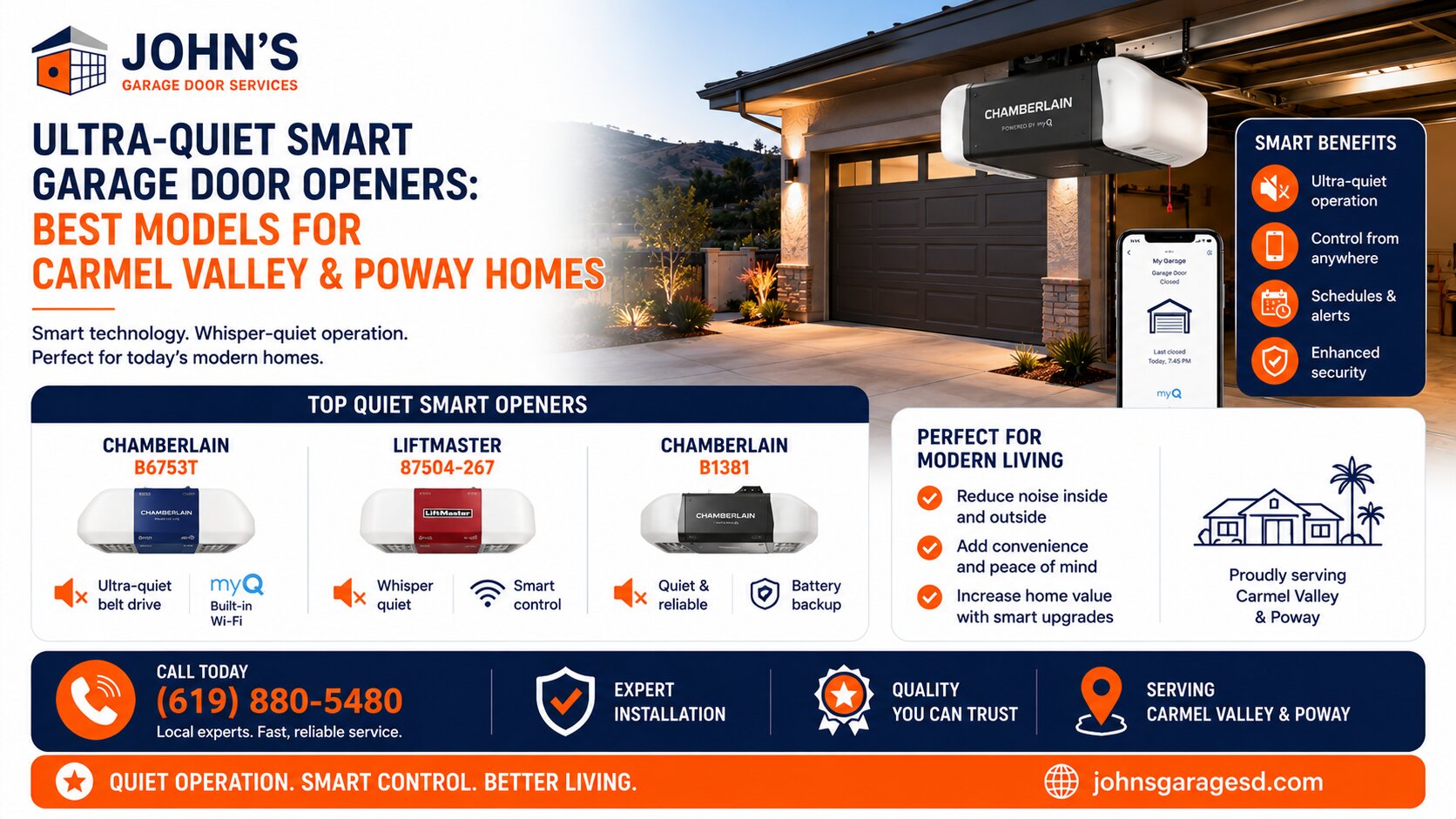
Third, some San Diego County homes have older opener models that simply aren’t compatible. In these cases, I typically recommend upgrading to a modern LiftMaster or Chamberlain unit with MyQ technology, which integrates beautifully with both Tesla and Rivian systems.

Expert Help for Your Electric Vehicle Integration

I’ve programmed hundreds of EVs to garage doors across San Diego, from Point Loma to Chula Vista. While the process is usually simple, I understand it can be frustrating when technology doesn’t cooperate. It’s also important to understand basic safety features like knowing How To Safely Use Your Garage Door Emergency Release Cord in case of system malfunctions.

If you’re struggling to connect your Tesla or Rivian to your garage door, or if you need a compatibility upgrade to make it work, our team at John’s Garage Door is here to help. We’ll ensure your setup works flawlessly so you can enjoy the convenience your electric vehicle was designed to provide.

Give us a call, and we’ll have you driving straight into your garage with zero hassle. Get A Quote today for professional EV integration assistance.

Categories: Blog

John Josef – 15 Years of Garage Door Expertise – John’s Garage Door Services, Locally Owned and Operated. We provide top-quality garage door repair, installation, and maintenance with a strong commitment to honest, reliable customer service.
Share This Story, Choose Your Platform!

Send us a Message

Recent Works

Garage Door Spring Repair In Murrieta, California 925622026-05-26T14:01:02-07:00
Garage Door Repair / Installation In Jurupa Valley, California 925092026-05-26T14:01:07-07:00
Garage Door Repair / Installation In Vista, California 920842026-05-19T14:56:41-07:00
Garage Door Repair In San Diego, California 921142026-05-20T10:45:21-07:00

Recent Posts

Leave A Comment