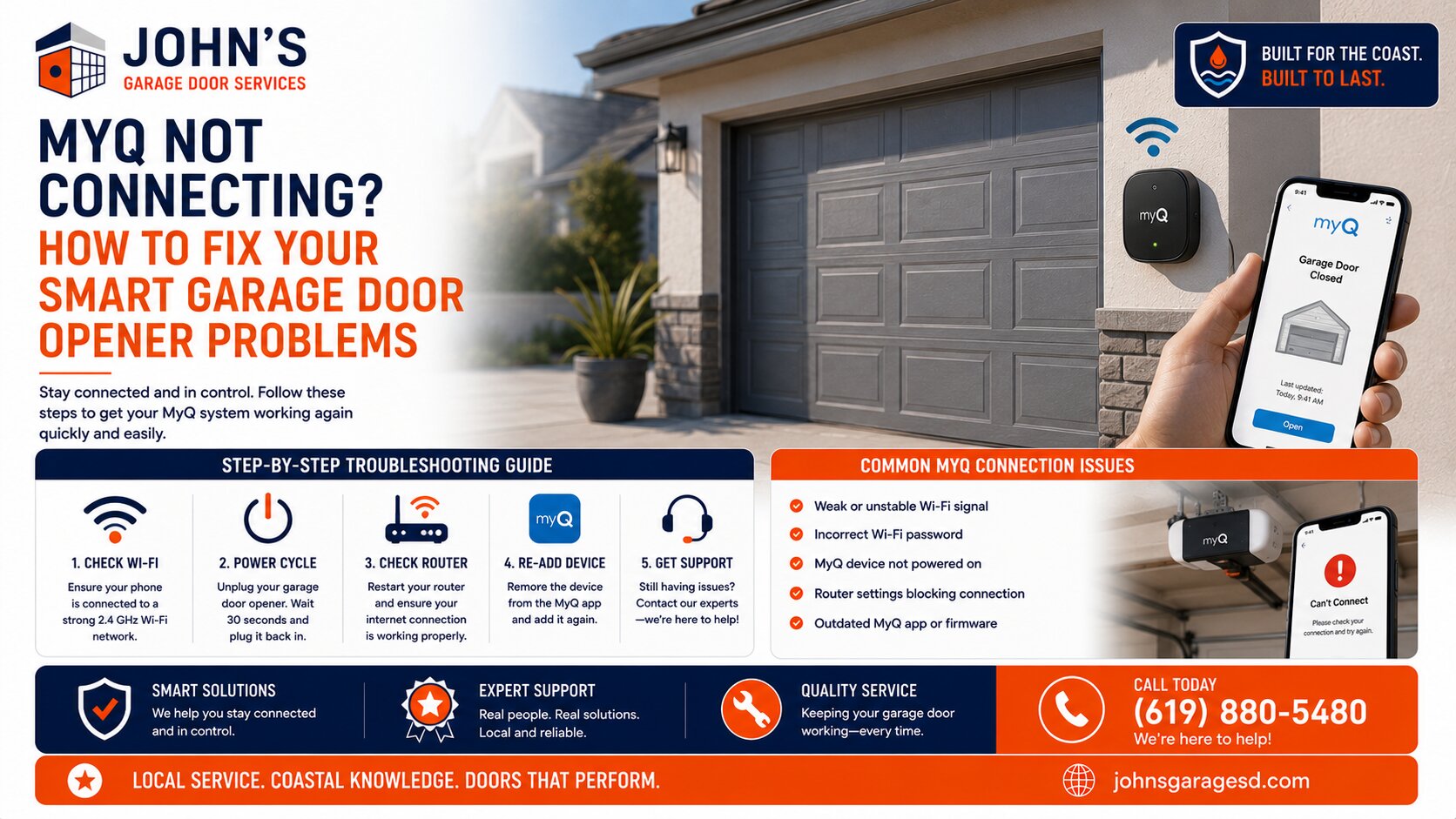
After years of servicing garage doors across San Diego, I can tell you that MyQ connectivity issues are among the most common tech support calls we receive. These smart garage door systems are fantastic when they work, but Wi-Fi dropouts and app connection failures can be incredibly frustrating for homeowners.
The good news is that most MyQ problems have simple solutions. Let me walk you through the troubleshooting steps our team uses every day to get these systems back online.
Why Does MyQ Lose Connection So Often?
MyQ devices lose connection primarily due to weak Wi-Fi signals, router compatibility issues, or outdated firmware. Your garage is often the farthest point from your home’s router, especially in sprawling San Diego County homes where garages may be detached or on opposite ends of the property.
The 2.4 GHz Wi-Fi requirement is another common culprit. MyQ systems don’t work with 5 GHz networks, and many modern routers automatically switch between bands without you realizing it.
Check Your Wi-Fi Signal Strength First
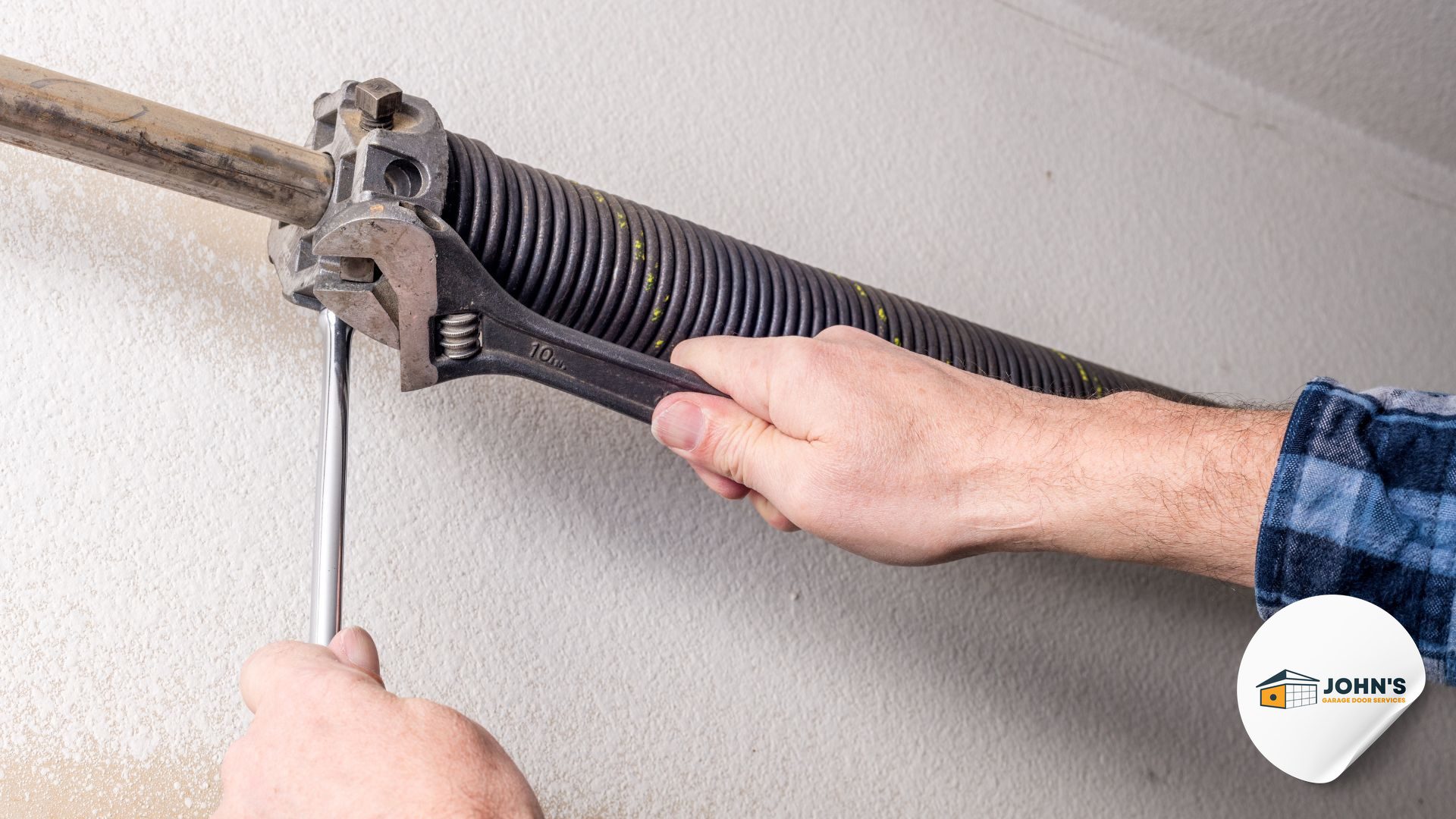
Before anything else, I always test the Wi-Fi strength in the garage. Stand where your opener is mounted and check how many bars your phone shows on the same 2.4 GHz network.
If you have fewer than three bars, that’s likely your problem. Our San Diego customers in larger homes, particularly in areas like Rancho Bernardo or Scripps Ranch with sprawling floor plans, often need a Wi-Fi extender or mesh network system to reach their garage reliably.
Reset Your MyQ Device Properly
A proper reset solves about 60% of the connectivity issues I encounter. Here’s the correct procedure we use:
Update Your MyQ Firmware and App
Outdated firmware causes more problems than most homeowners realize. Check for updates in both your MyQ smartphone app and the MyQ device itself through the app’s settings menu.
California recently updated security requirements for connected devices, and MyQ has pushed several firmware updates to maintain compliance. These updates often fix connectivity bugs but won’t install if your initial connection is too weak, which is why regular Garage Door Maintenance For San Diego Homeowners is so important.
Router Configuration Issues to Check
I’ve found that certain router settings interfere with MyQ connections. Log into your router’s admin panel and verify these settings:
Some San Diego internet providers use routers that bundle both frequencies under one network name. You may need to create a separate 2.4 GHz network specifically for smart home devices.
When to Check Your Garage Door Opener Itself
Sometimes the problem isn’t the MyQ system at all. If your opener is more than 10 years old, it may not provide consistent power to the MyQ hub, causing intermittent disconnections.
I’ve also seen issues where the antenna on the opener gets bumped or damaged. Make sure that small wire antenna is fully extended and pointing down for optimal signal reception.
Physical Interference in Your Garage
Metal garage doors, water heaters, and electrical panels can all interfere with Wi-Fi signals. If your MyQ hub is mounted directly behind a large metal object, try repositioning it a few feet away.
In coastal San Diego areas like Pacific Beach or Ocean Beach, I’ve noticed that metal building materials used for corrosion resistance can create additional signal challenges. A simple repositioning often makes all the difference, but if you’re considering an upgrade, learn more about Ai-Powered Garage Door Openers For San Diego Homeowners.
When Professional Help Makes Sense
If you’ve tried these steps and your MyQ system still won’t stay connected reliably, the issue might be with your opener’s control board or the MyQ hardware itself. Some older garage door openers simply aren’t compatible with the latest MyQ technology, even if the packaging says otherwise.
Our team at John’s Garage Door has installed and troubleshot hundreds of MyQ systems throughout San Diego. We can diagnose whether you need a simple configuration change, a Wi-Fi booster, or if it’s time to upgrade to a newer opener with better smart home integration.
Give us a call, and we’ll Get A Quote to get your smart garage door working the way it should, or consider our professional Garage Door Maintenance Service.
John Josef – 15 Years of Garage Door Expertise – John’s Garage Door Services, Locally Owned and Operated. We provide top-quality garage door repair, installation, and maintenance with a strong commitment to honest, reliable customer service.