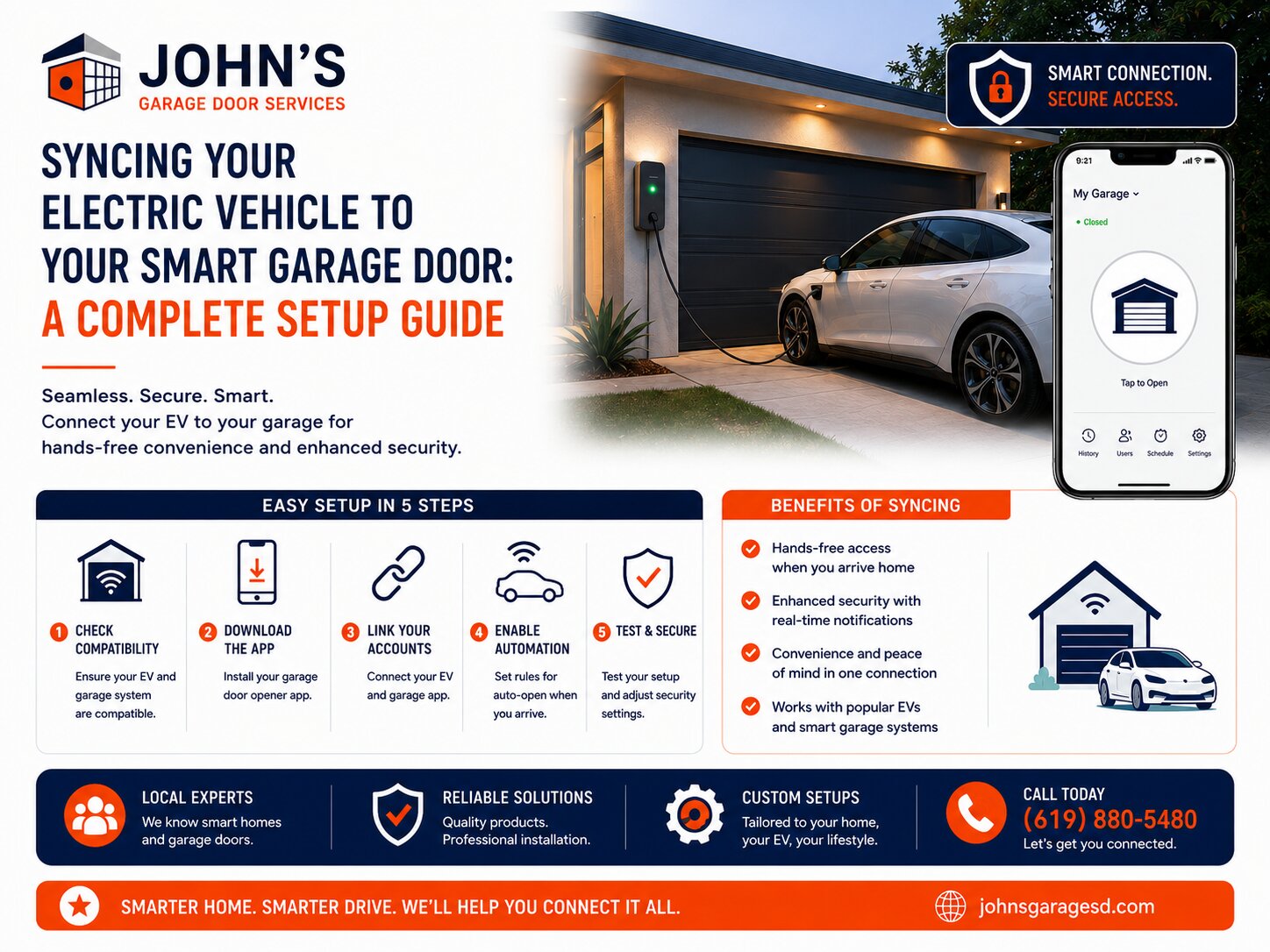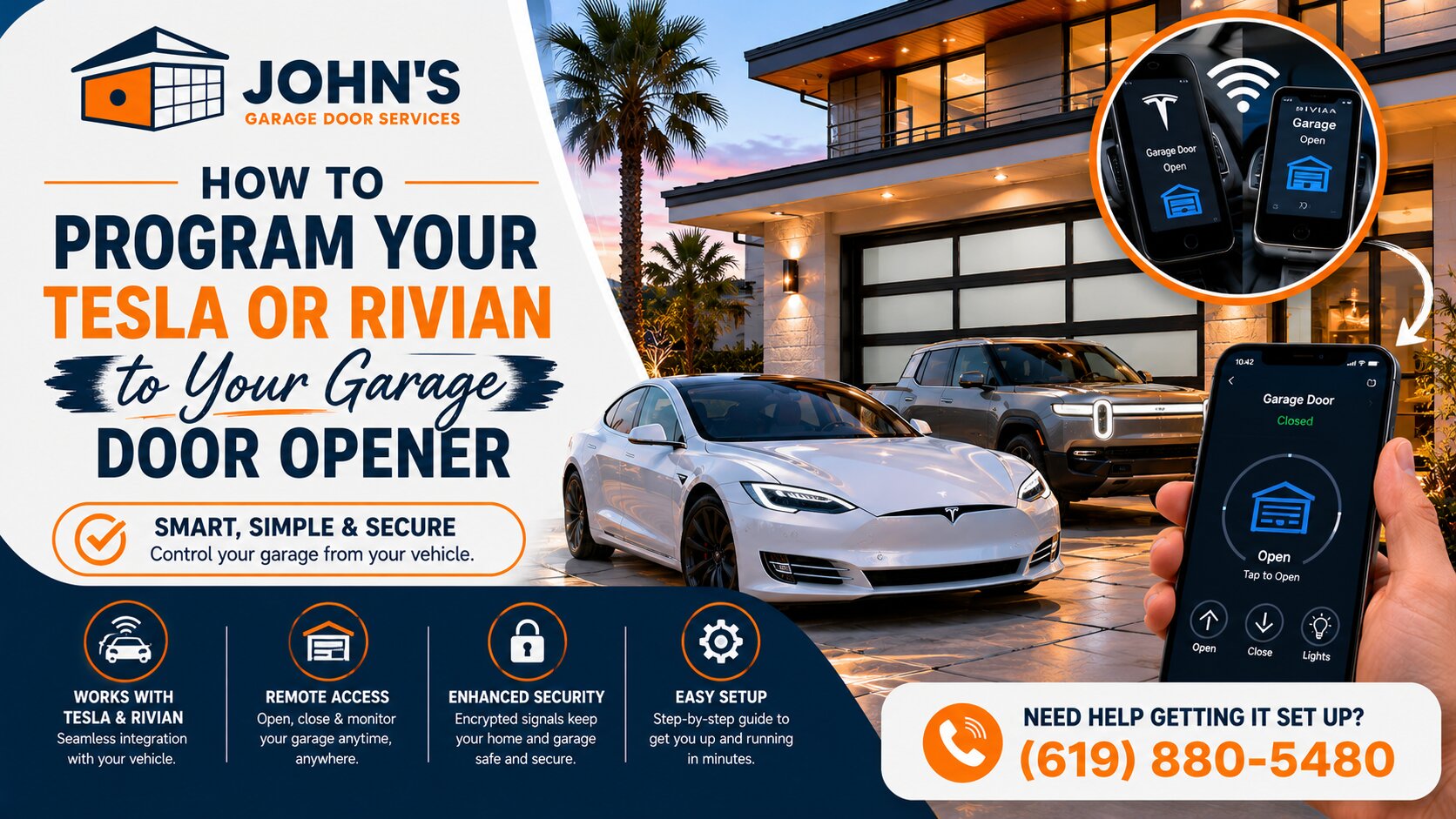
Over the past few months, I’ve helped dozens of San Diego electric vehicle owners connect their Tesla and Rivian vehicles to their garage doors. It’s one of the most requested services we handle at John’s Garage Door, and I’ve learned exactly where EV drivers get stuck in the programming process.
The good news? Once you understand the basic steps, programming your vehicle’s HomeLink or Rivian Digital Latch system takes just a few minutes. Let me walk you through the exact process I use when customers call us for help.
Understanding Your Garage Door Opener Compatibility
Not all garage door openers work seamlessly with vehicle integration systems. Your opener needs to operate on a compatible frequency, typically 310 to 390 MHz for most residential systems in Southern California.
I’ve found that LiftMaster, Chamberlain, and Genie openers manufactured after 2011 usually program without issues. Older models or those with fixed-code remotes may require a HomeLink compatibility bridge, which costs around $80 to $100.
Programming Your Tesla’s HomeLink System
Tesla vehicles use HomeLink technology built into the car’s touchscreen. The process is straightforward, but timing matters.
How Do I Program My Rivian to My Garage Door?
Rivian uses its own Digital Latch system, which works similarly to HomeLink but with some unique features. The programming process takes about five minutes from start to finish. Like Tesla, you’ll need your existing garage remote handy.
If you’re considering upgrading your entire garage door system for better smart home integration, check out our guide on How To Choose The Right Garage Door For Your Home.
Troubleshooting Common Programming Issues
When programming fails, it’s usually one of three problems. Click each one to expand.
Expert Help for Your Electric Vehicle Integration
I’ve programmed hundreds of EVs to garage doors across San Diego, from Point Loma to Chula Vista. While the process is usually simple, I understand it can be frustrating when technology doesn’t cooperate. It’s also important to understand basic safety features like knowing How To Safely Use Your Garage Door Emergency Release Cord in case of system malfunctions.
If you’re struggling to connect your Tesla or Rivian to your garage door, or if you need a compatibility upgrade to make it work, our team at John’s Garage Door is here to help. We’ll ensure your setup works flawlessly so you can enjoy the convenience your electric vehicle was designed to provide.
Give us a call, and we’ll have you driving straight into your garage with zero hassle. Get A Quote today for professional EV integration assistance.
John Josef – 15 Years of Garage Door Expertise – John’s Garage Door Services, Locally Owned and Operated. We provide top-quality garage door repair, installation, and maintenance with a strong commitment to honest, reliable customer service.
Get In Touch With Us
Recent Works