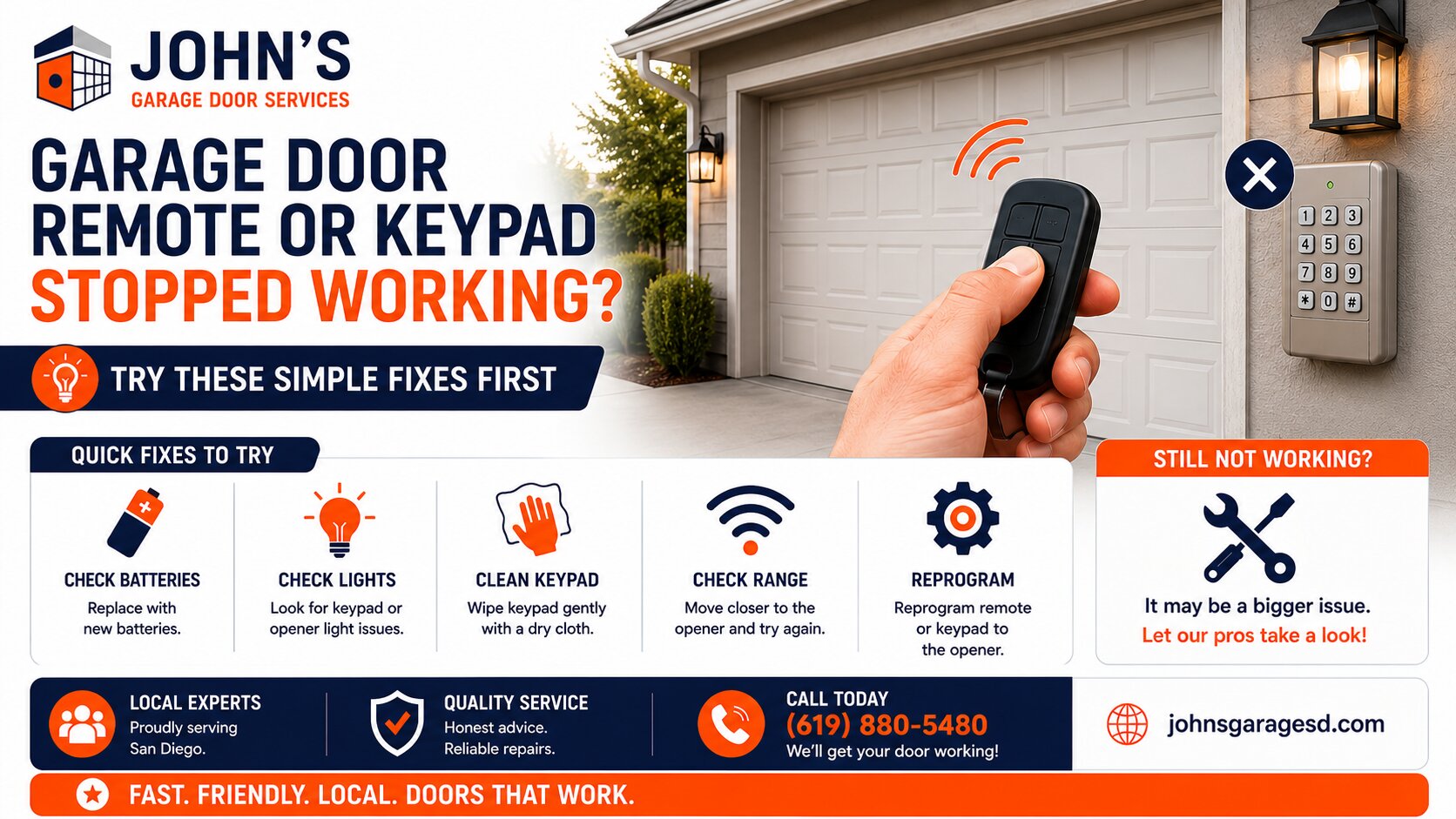
I’ve driven out to hundreds of San Diego homes where frustrated homeowners swear their garage door remote is broken, only to discover a simple fix that takes less than five minutes. Before you schedule a service call with our team at John’s Garage Door Services, let me walk you through the troubleshooting steps I use every single day.
Most remote and keypad issues aren’t actually broken hardware. They’re simple problems with quick solutions that’ll save you time and money.
What Causes Garage Door Remotes and Keypads to Stop Working?
The most common cause of remote failure is dead batteries, accounting for about 70% of the service calls I receive for this issue. Other frequent culprits include signal interference, dirty photo eye sensors, and occasionally a need to reprogram the device.
In Southern California’s heat, batteries drain faster than you’d expect. I’ve seen remotes fail after just eight months in cars parked in direct sunlight around Clairemont and Mira Mesa.
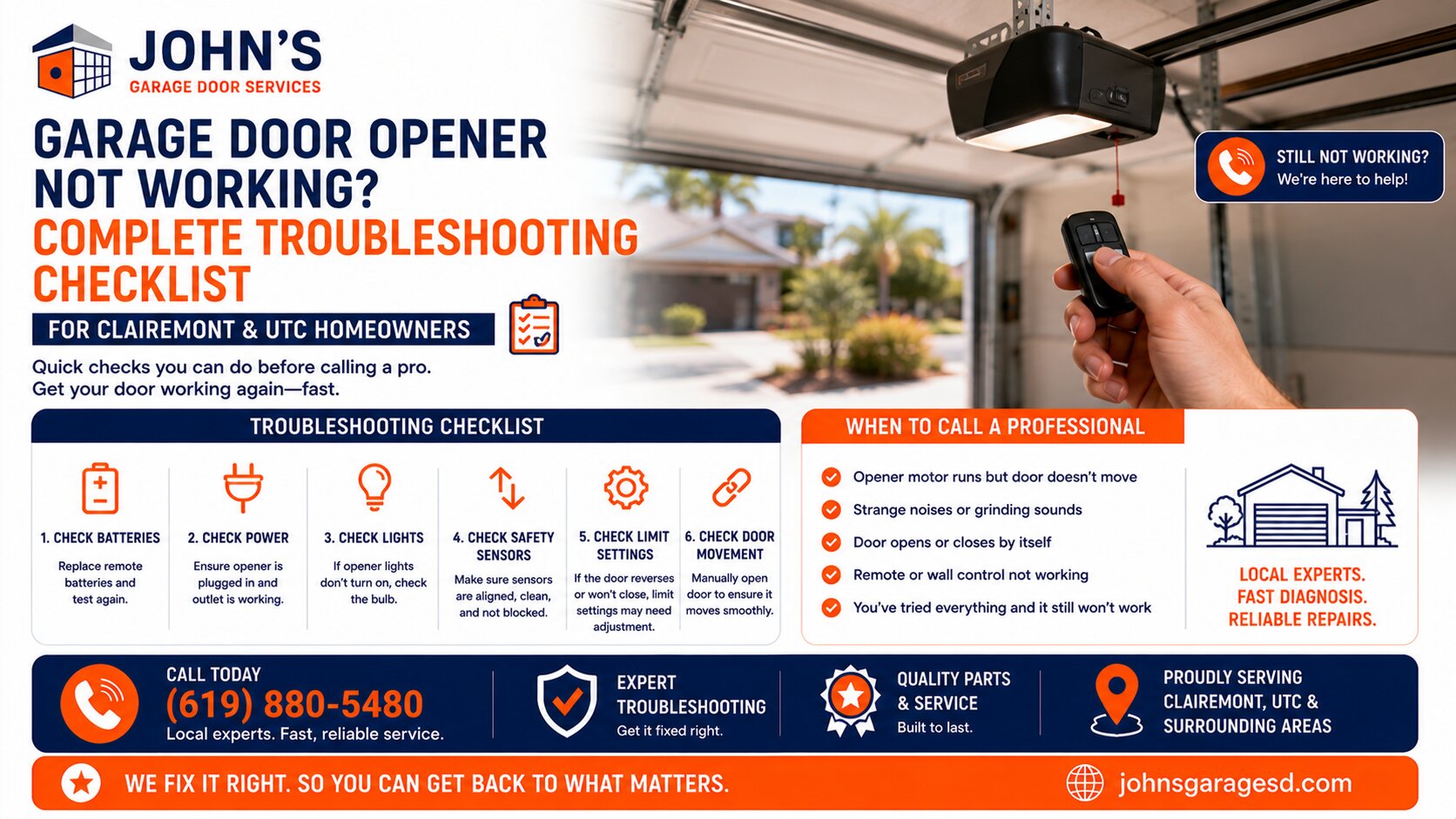
Step-by-Step Troubleshooting Guide
Start With the Battery
Pop open your remote and replace the battery first. Most use a standard 3-volt lithium coin cell, while wall keypads typically need AA or 9-volt batteries.
Here’s my pro tip: keep a spare battery in your glove compartment. I do this myself, and it’s saved me more than once when leaving a client’s property.
Check Your Opener’s Lock Mode
I can’t tell you how many times I’ve arrived at a home to find the opener’s lock button accidentally engaged. This feature disables all remote signals, including your keypad and car remotes.
Look for a lock button on your wall-mounted control panel or opener unit itself. If it’s lit up or engaged, press and hold it for about five seconds to deactivate. Your remotes should work immediately.
Clean the Photo Eye Sensors
While photo eyes don’t directly affect remote function, a blocked or misaligned sensor will prevent your door from closing even if the remote sends the signal properly. I see this constantly in dusty areas like Santee and El Cajon.
Wipe both sensors with a clean cloth and make sure they’re aligned facing each other. The indicator lights should be solid, not blinking. For more detailed guidance on sensor issues, check out our article on Common Garage Door Sensor Problems And Easy Fixes.
Test the Wall Button
Press your hardwired wall button. If the door operates normally, your opener is fine and the issue is definitely with the remote or keypad.
If the wall button doesn’t work either, you’ve got a different problem entirely. This usually means a power issue, tripped circuit breaker, or opener malfunction that requires professional attention.
Reprogram Your Remote
Sometimes remotes lose their programming, especially after a power outage. Each opener brand has a slightly different process, but most follow this basic pattern.
Check your owner’s manual for exact steps, as brands like LiftMaster, Chamberlain, and Genie have slight variations. If you’re experiencing connectivity issues with a smart opener, our guide on MyQ Not Connecting And Smart Garage Door Opener Problems can help.
Look for Signal Interference
In San Diego County, I’ve noticed increased interference issues near military bases and areas with heavy Wi-Fi traffic. LED light bulbs in or near your opener can also jam the signal.
Try replacing any LED or CFL bulbs in your garage door opener with traditional incandescent bulbs or opener-rated LED bulbs. I’ve seen this solve mysterious remote failures dozens of times. Regular Garage Door Maintenance Service can also help identify potential issues before they become major problems.
When to Call a Professional
John Josef – 15 Years of Garage Door Expertise – John’s Garage Door Services, Locally Owned and Operated. We provide top-quality garage door repair, installation, and maintenance with a strong commitment to honest, reliable customer service.
Get In Touch With Us
Recent Works