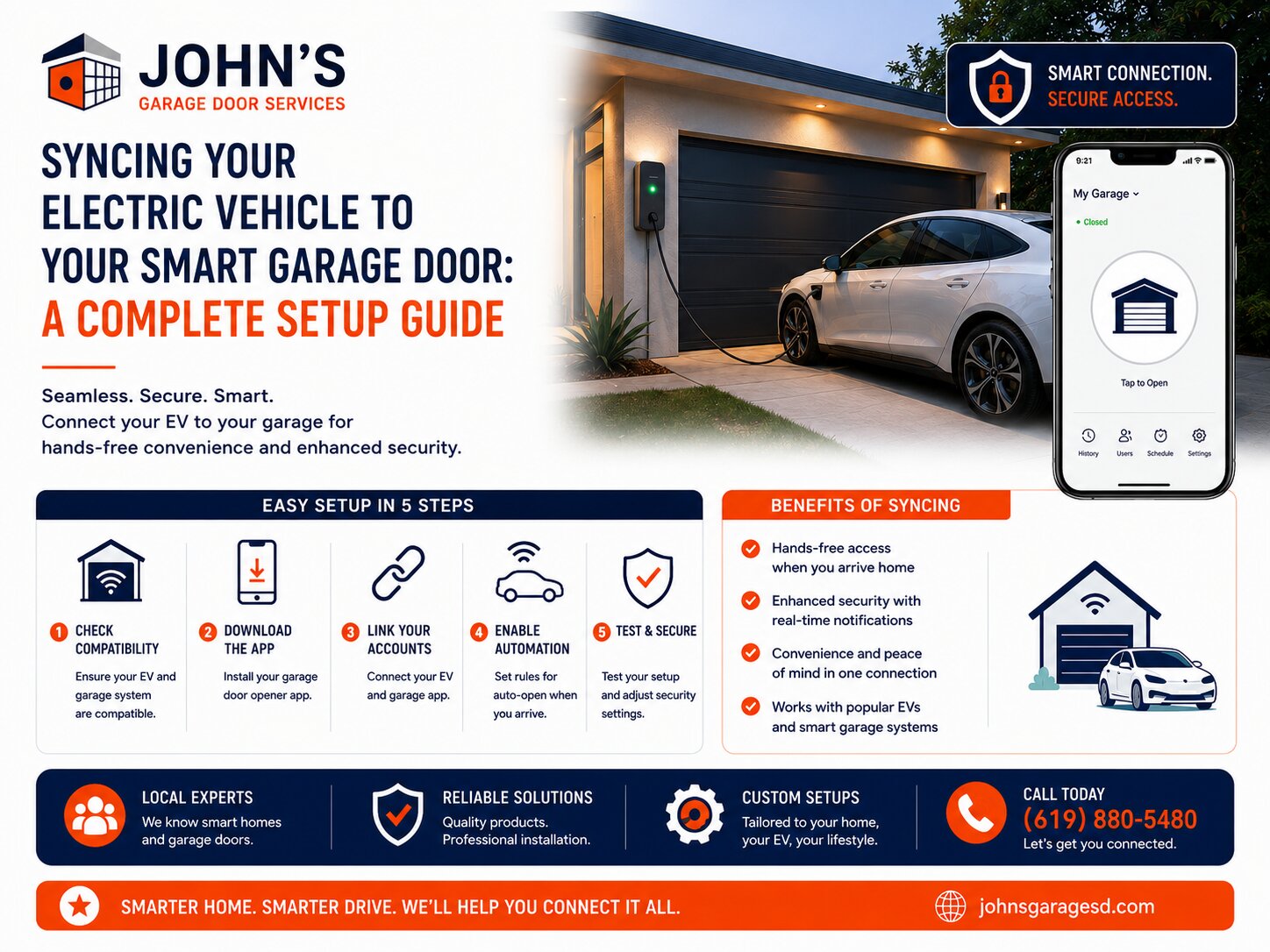
Most Tesla and Rivian vehicles come equipped with built-in HomeLink functionality that syncs directly with your garage door opener through the vehicle’s touchscreen. The process typically takes 5 to 10 minutes and involves pairing your vehicle with the opener’s wireless signal, though older garage door systems may require a smart bridge adapter to establish compatibility. San Diego EV owners can integrate this feature seamlessly with smart home systems for enhanced convenience and security.
Programming HomeLink Through Your Vehicle Touchscreen
Tesla vehicles (Model 3, Model Y, Model S, Model X) allow you to program HomeLink directly from the touchscreen menu. Navigate to the vehicle settings, select “HomeLink,” then follow the on-screen prompts to enter programming mode while parked within range of your garage door opener.
For Tesla programming, press and hold the learn button on your garage door opener motor unit until the indicator light begins flashing. Return to your vehicle and press the HomeLink icon on the touchscreen for several seconds until the garage door activates. The system will save this configuration automatically.
Rivian R1T and R1S owners follow a similar process through the vehicle’s central display. Access the settings menu, select “Garage Doors,” and tap “Add New Garage.” The system will guide you through the pairing sequence, which includes pressing the learn button on your opener and completing the sync from inside your vehicle. For a complete step-by-step guide, visit our detailed article on How To Program Your Tesla Or Rivian To Your Garage Door Opener.
Smart Bridge Adapters for Older Garage Door Openers
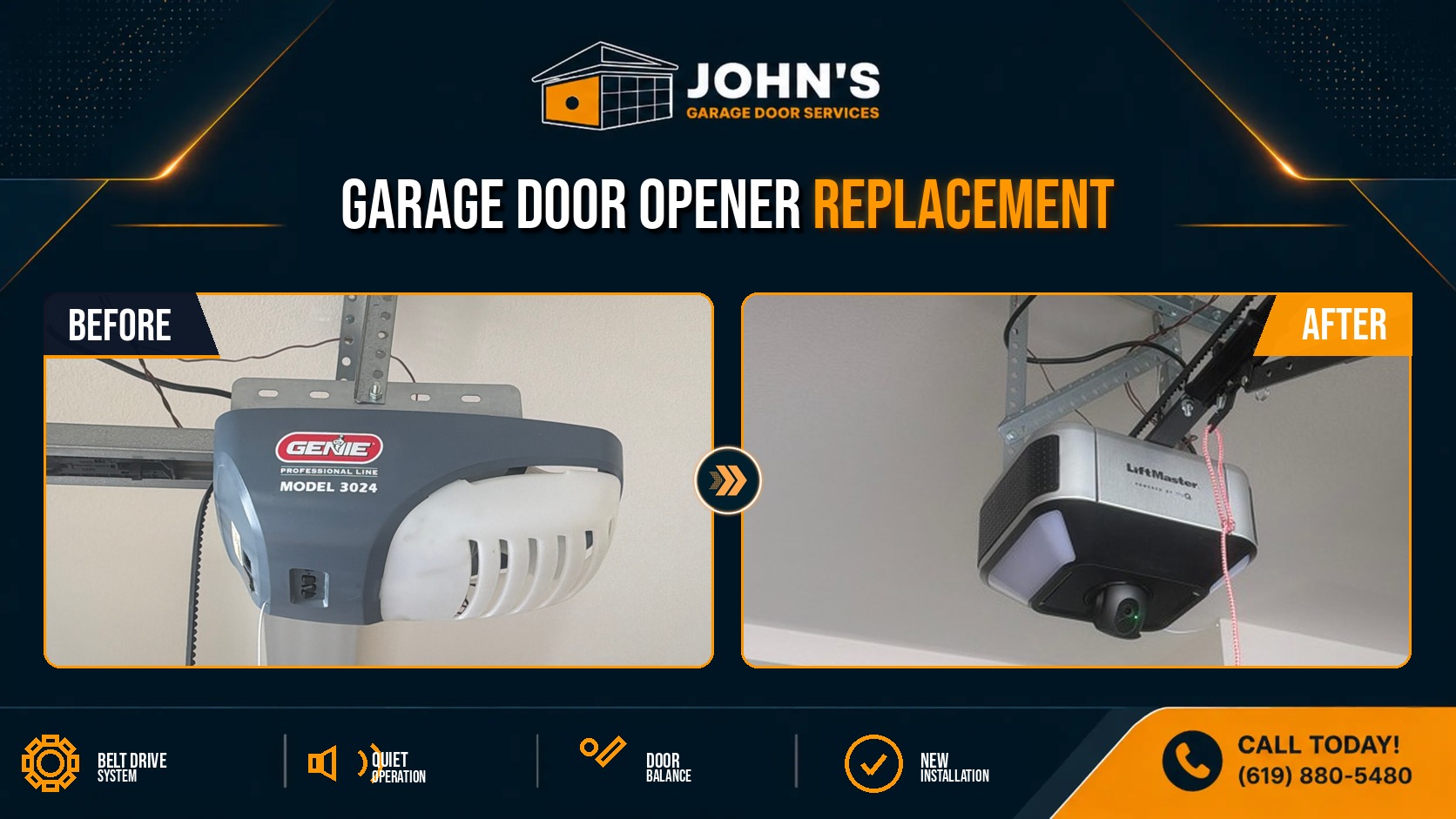
Garage door openers manufactured before 2016 may use incompatible radio frequencies that prevent direct HomeLink pairing. In these cases, a Chamberlain MyQ Smart Garage Hub or similar bridge adapter creates the necessary connection between your vehicle and the opener.
The MyQ smart bridge plugs into a standard outlet near your garage door motor and connects to your home WiFi network. Once installed, you can link the MyQ system to your Tesla or Rivian through the vehicle’s app integration settings, allowing full remote control and monitoring capabilities.
These adapters offer additional benefits beyond vehicle integration, including smartphone control, automatic closing schedules, and real-time alerts when your garage door opens or closes. Many San Diego homeowners appreciate the added security layer, especially when traveling or managing vacation properties.
Troubleshooting and Professional Installation Support
Common issues include:
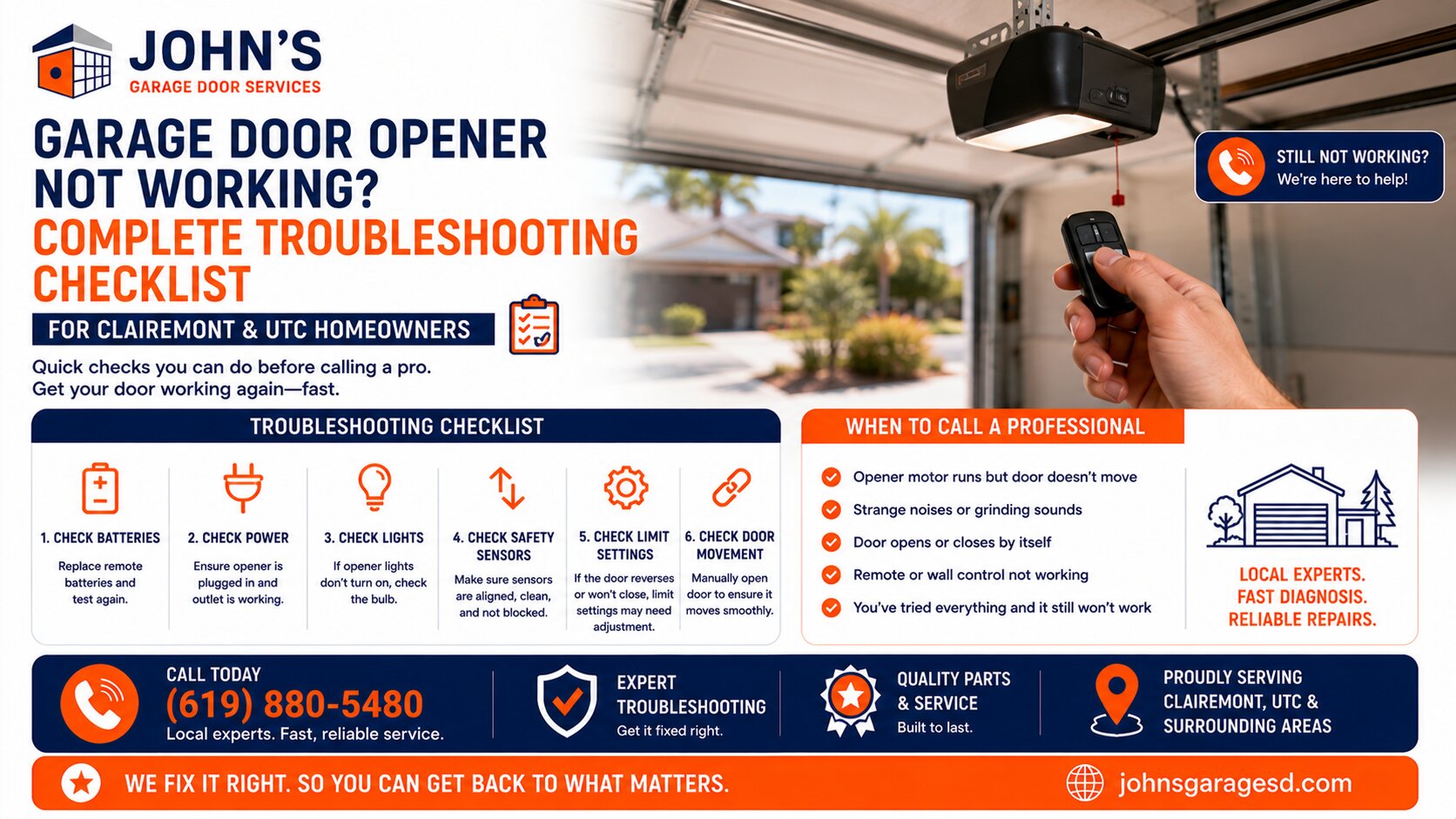
Professional garage door technicians in San Diego can diagnose compatibility issues, install smart bridge adapters, and ensure your EV HomeLink integration functions reliably. They can also recommend optimal smart opener models if you’re considering a complete system upgrade for better smart home connectivity. Get A Quote for professional installation and setup assistance today.
John Josef – 15 Years of Garage Door Expertise – John’s Garage Door Services, Locally Owned and Operated. We provide top-quality garage door repair, installation, and maintenance with a strong commitment to honest, reliable customer service.